Introduction to R
Session 1
What is R?
R is a language and environment designed for statistical and graphical operations.
R allows us to work with data by writing code.
That may sound intimidating at first, but the goal is not to become a programmer overnight.
A very short history of R
R was developed in the early 1990s by Ross Ihaka and Robert Gentleman.
It was inspired by an earlier language called S.
The problem with S? You had to buy it. And we all know we would rather spend our money on more important things…
Like food 🍔

What is RStudio?
R does the work.
RStudio helps us work with R.
RStudio makes it easier to:
- write code
- save scripts
- organize files
- view plots
- install packages
- manage projects
The RStudio interface
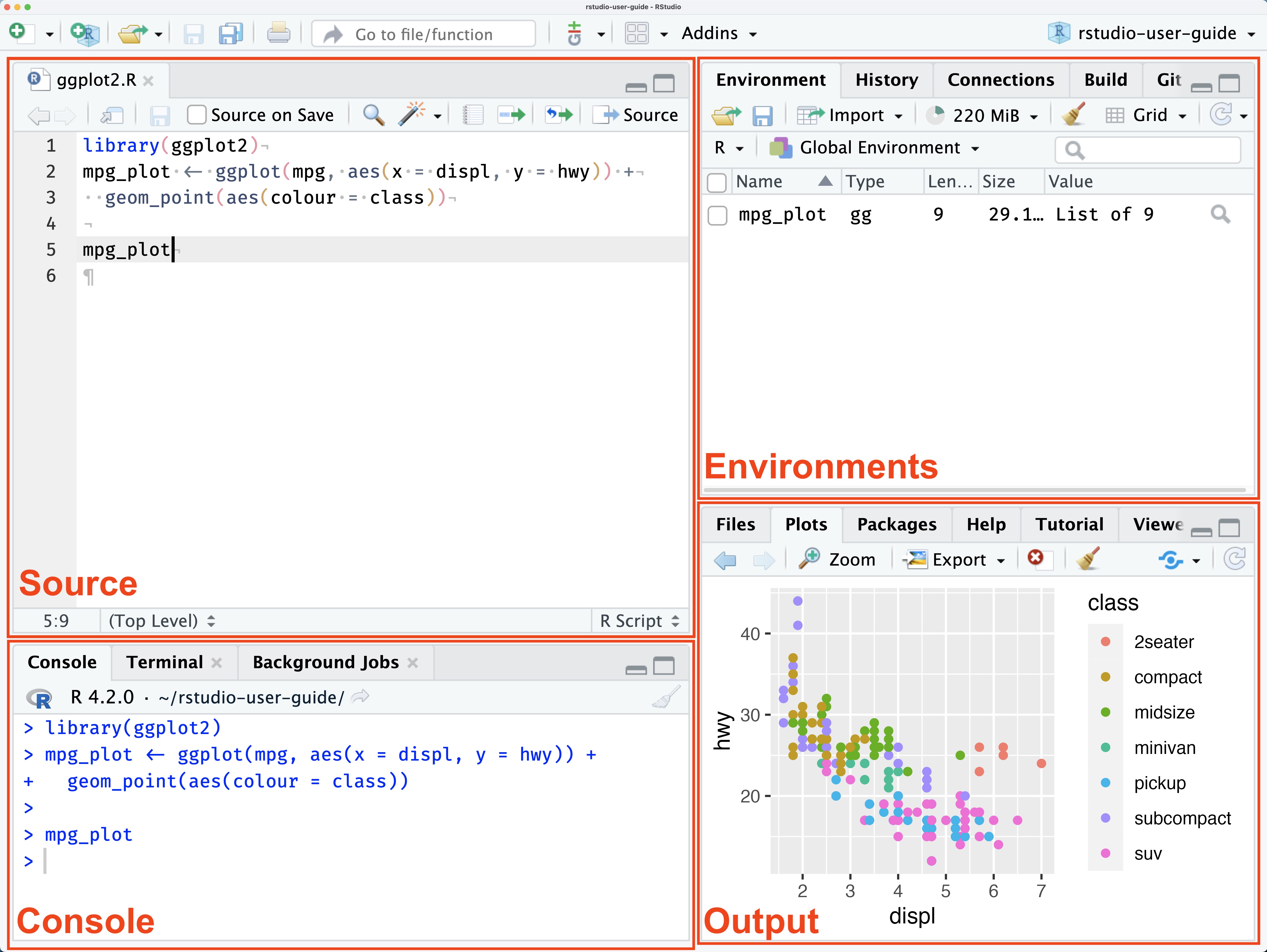
RStudio User Guide 2026.08.2
RStudio Projects
An RStudio Project connects RStudio with a specific folder on your computer.
That folder can contain everything related to your work:
my-project/
│
├── data/
├── scripts/
├── outputs/
└── my-project.Rproj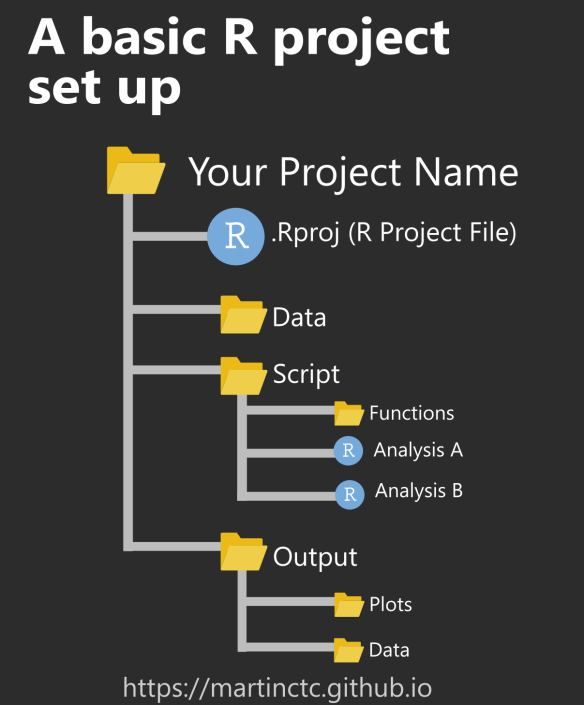
Why learn R?
You may be wondering:
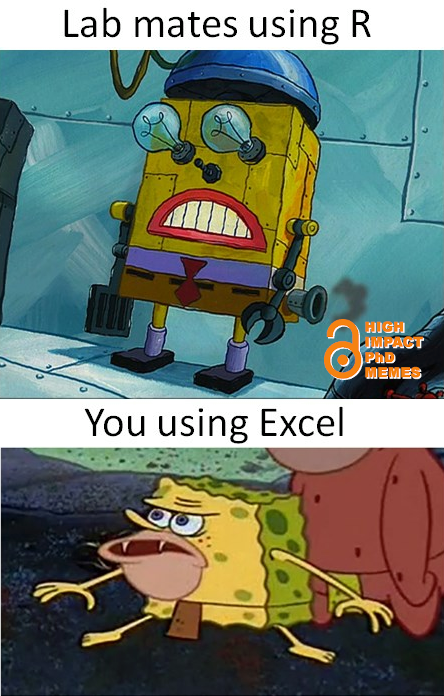
Why do I need to learn R after spending years getting good at Excel?
A selfish reason:
In many courses, labs, graduate programs, and research projects, knowing some R is already expected.
Good reasons to learn R
- Reproducibility
You can save and share exactly what you did.
Not just so that someone can replicate it exactly and know whether it’s right or wrong, but also so that others can learn from it.

- It’s like learning a language
It exercises your brain and helps you improve your quantitative reasoning. That’s not just my opinion—science says so [@auker2020].
A new skill in your arsenal
Programming skills are increasingly in demand and highly valued [@lai2019]. Not only in academia but also in industry, knowing how to handle, visualize, and analyze data can be a huge advantage [@feng2020]. I’m not saying everyone has to be an expert, but everyone should at least have a basic understanding.![]()

- (Almost) endless possibilities
These days, R isn’t just for statistics, you can do so many things with it. From documents and infographics to memes (yes, there’s even a package for making memes). Personally, I’ve learned the most about R when I combine it with my hobbies, creating graphs, exploring time-series data, music, and even politics, among other things.
https://cran.r-project.org/web/packages/meme/vignettes/meme.html
The R community
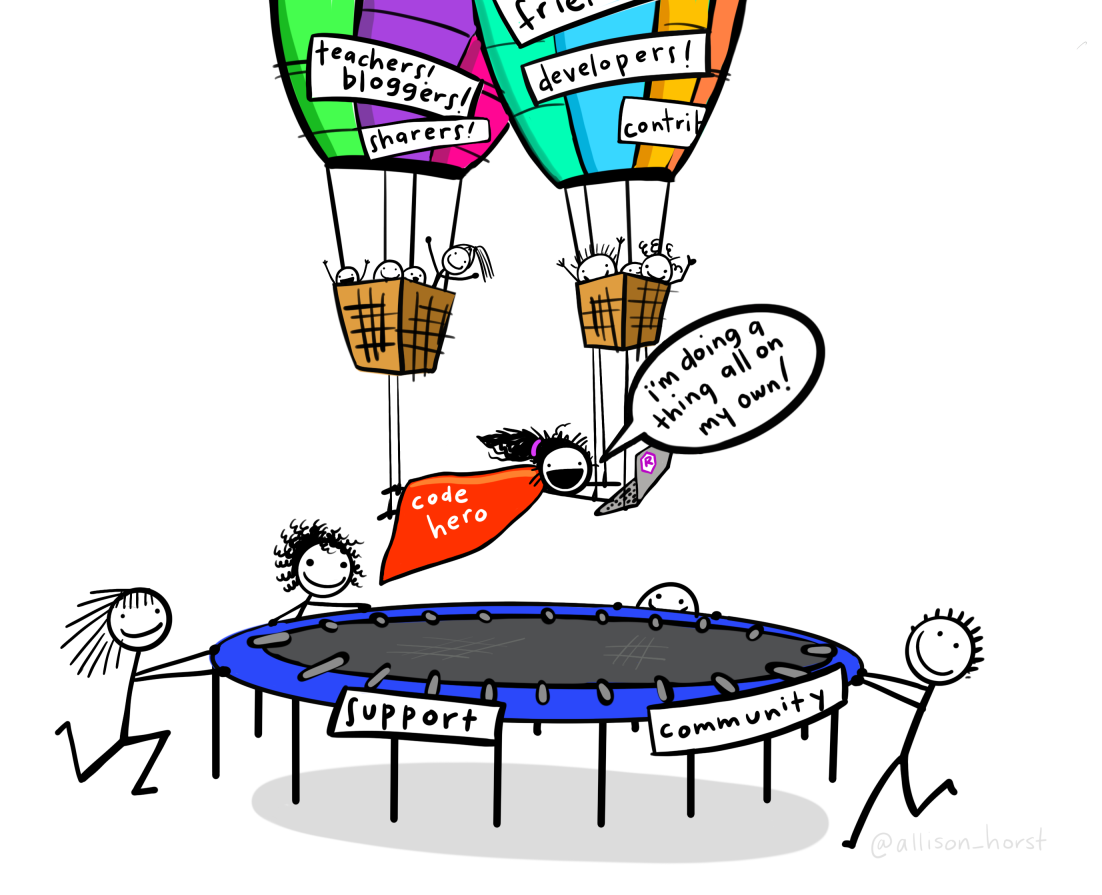
Allison Horst code hero
R has a large and generous community.
There are tutorials, books, forums, examples, packages, and people willing to help.
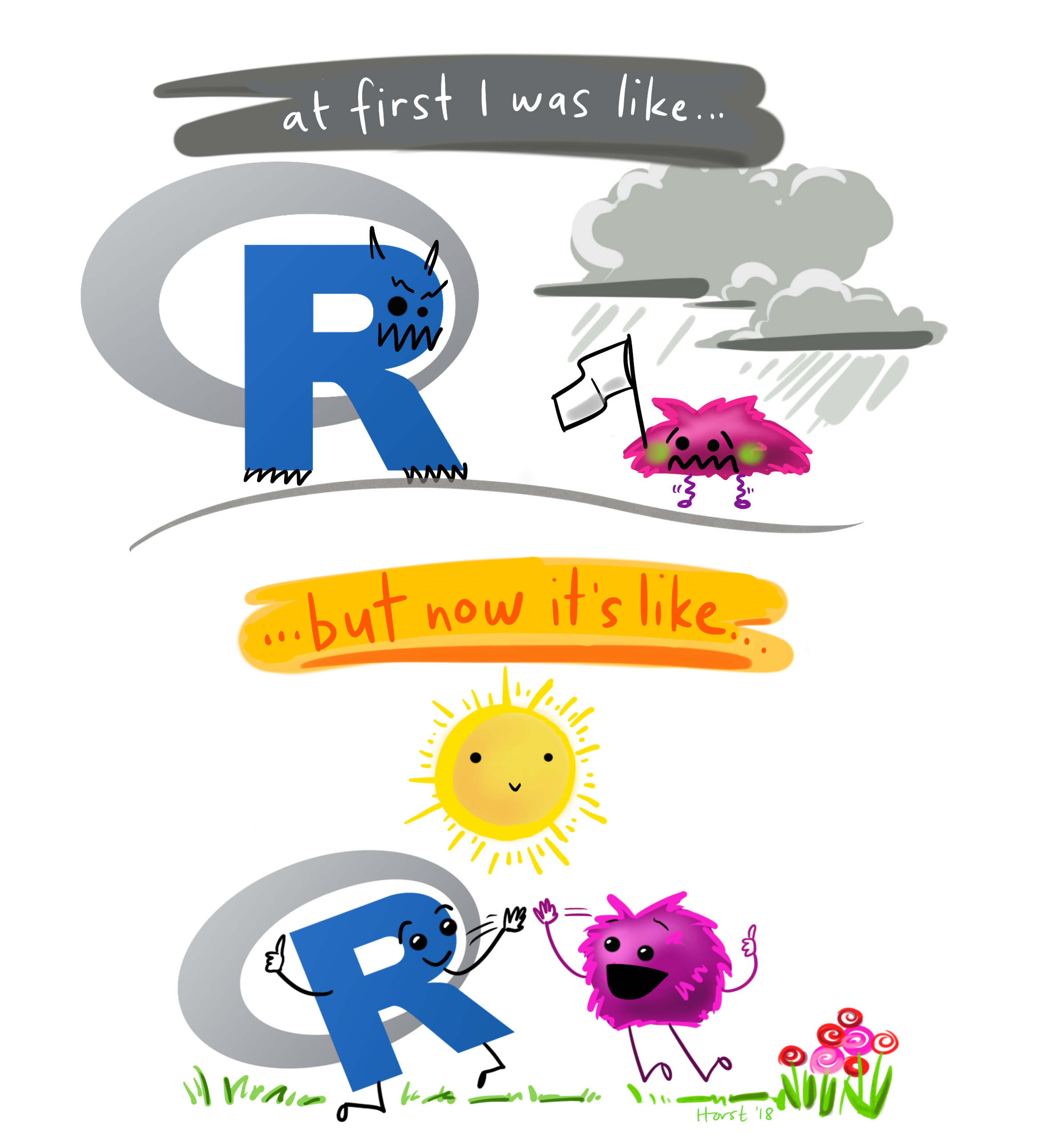
You will not learn R today
R is learned by practicing.
You will:
- make mistakes,
- get errors,
- forget commands,
- reuse old scripts,
- search for help,
- and slowly become more comfortable.
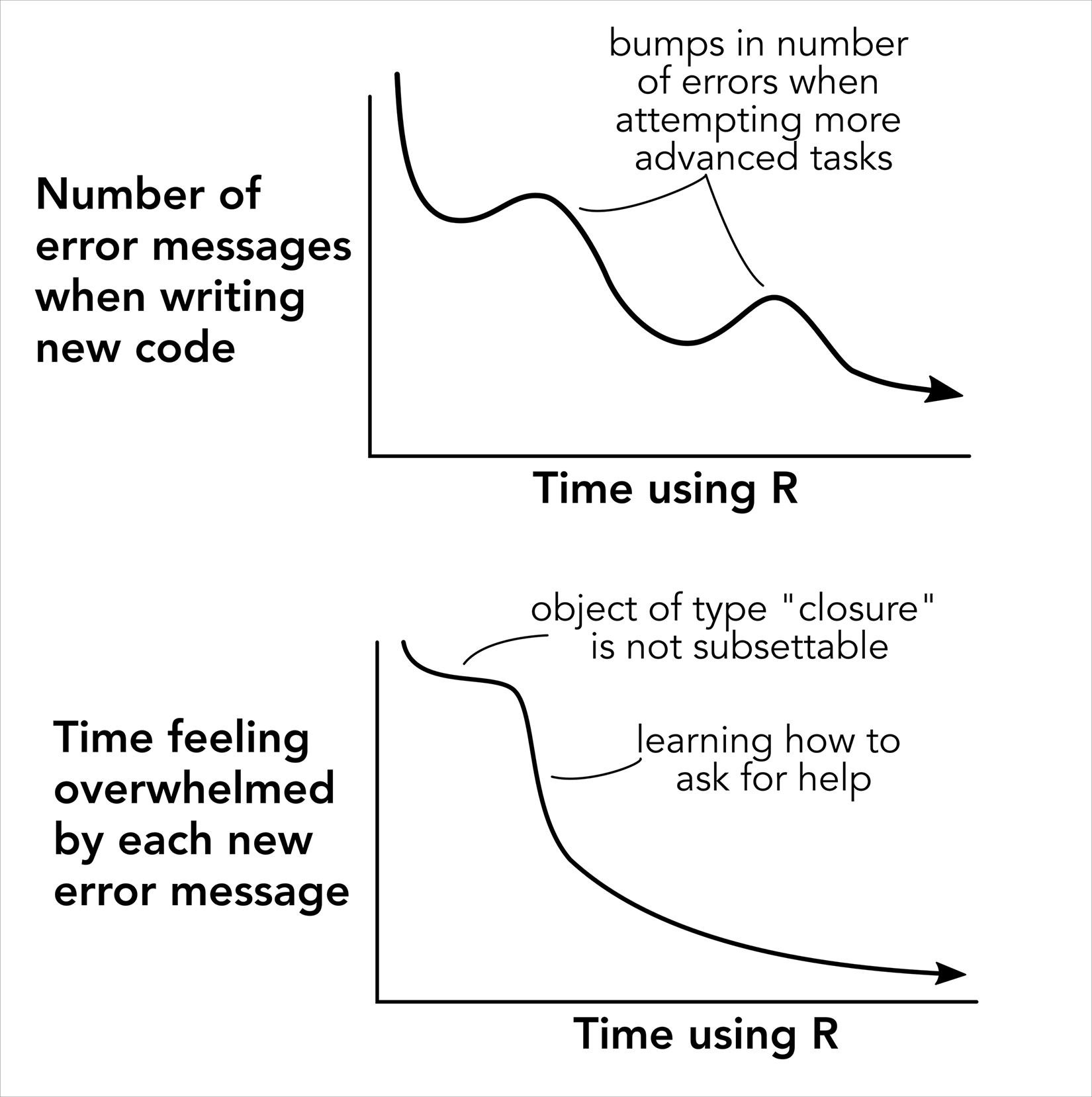
Errors are part of learning R
You are going to see errors.
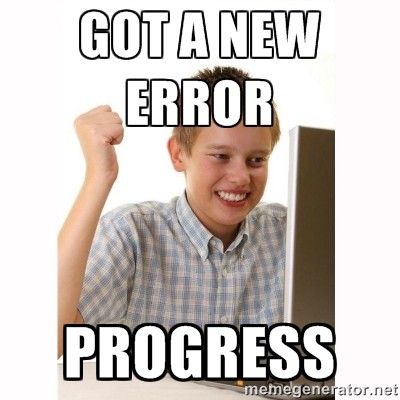
A lot of them.
That is normal.
R is not about avoiding errors.
It is about making enough of them that you eventually learn how to fix them.
Learning R takes time
In conclusion, whether or not you learn R will depend on how much time you spend on it, not on whether or not you take this tutorial. [@lawlor2022]
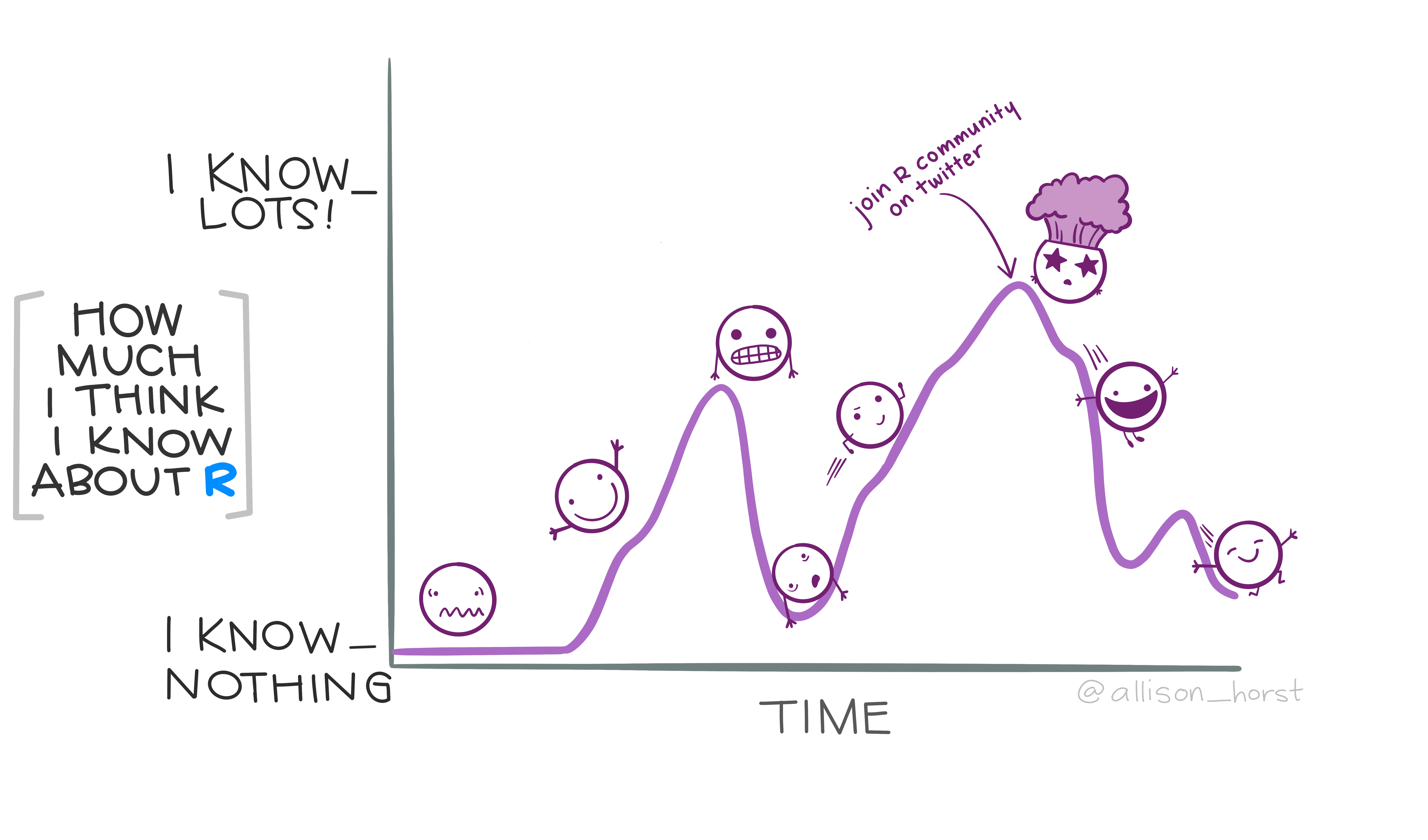
Allison Horst rollercoaster
Comments
We can add notes to scripts using
#.Anything after
#is ignored by R.Comments help your future self understand what your code was doing.